Discord Features
Ticket System
What are tickets?
Tickets are a custom feature of VioletsMC where you can speak to a member of the staff team about any issues you may have. Staff will often recommend you to open a ticket if you are in need of assistance.
How do I open a ticket?
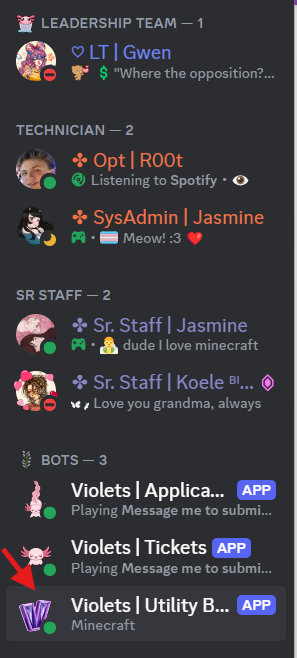
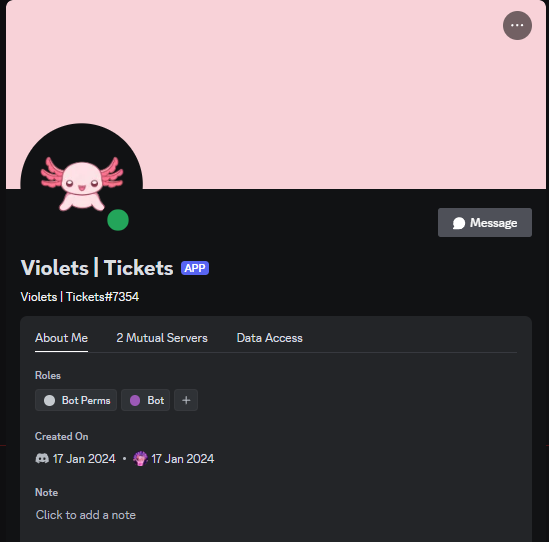
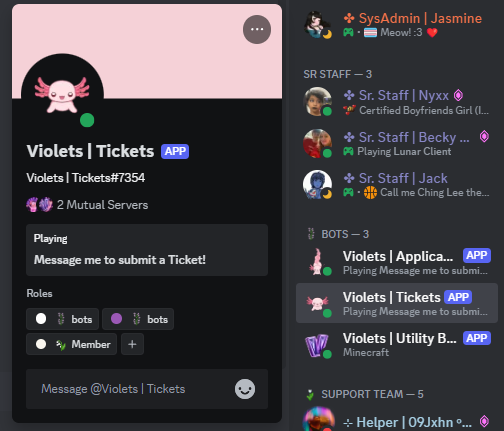
You will find the bot named Violets | Tickets under the bots role. Simply click on it and type out your message. The first message you send will automatically open a ticket, you do not need to say anything in specific to open a ticket. When opening a ticket be sure to share your IGN (In-game name), and the issue you need help with in detail.
What can I open a ticket for?
You may open a ticket for issues regarding Discord and Minecraft. Some examples of common situations include, but are not limited to:
- Queries about how the Minecraft or Discord server work
- Issues joining the Minecraft server
- You suspect you have been griefed or stolen from
- Ban Appeals
- Player / Staff Reports
How long till someone responds to my ticket?
Tickets are monitored by our staff team, and whilst we have a range of different time zones, we may not always be available right away. If you have not received a reply in 24 hours, feel free to send another message to prompt a response.
Occationally, the ticket bot might be down and offline; in this case, a ticket will not be opened. However, if a ticket is already open, any messages sent to the bot while it's offline will get forwarded to staff after it is back up again.
Why does it say I can't open a ticket?
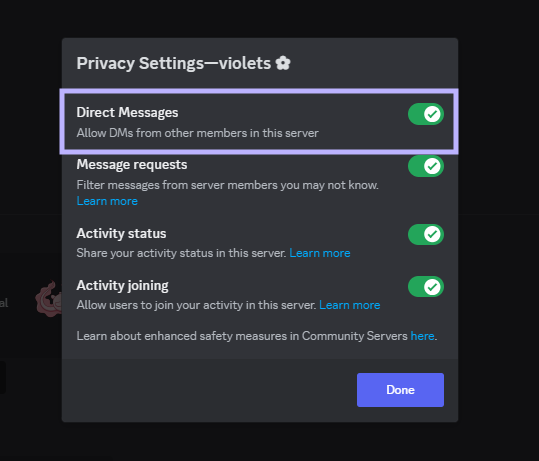
The most common reason for not being able to open a ticket is your privacy settings.

How do I open a ticket if I'm banned from the Discord server?
You can ask a Support Team member for help while in-game. If you wish to appeal your Discord ban, you will have to email ryan@violetsmc.com. Don't worry, your email or private information will not be shared with anyone but The Director Ryan himself.
Questions
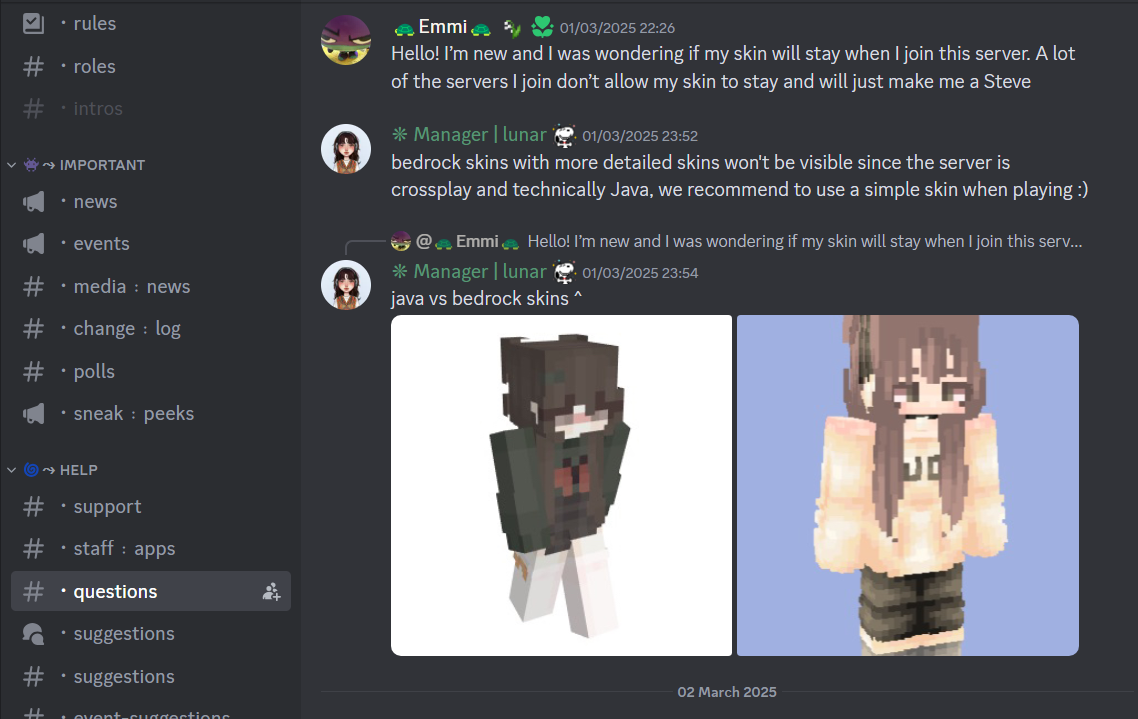
You have a question that you may not be ticket worthy? The best place to go is our questions channel, members of staff are actively checking that channel so your question will be answered as quick as possible! Whether the question be a technical issue a general Minecraft question, Violets or discord related there will also be someone with a answer or solution!
Suggestions
Find something you think our server should add?
Look no further, here's how to make a suggestion for in-game features or events!
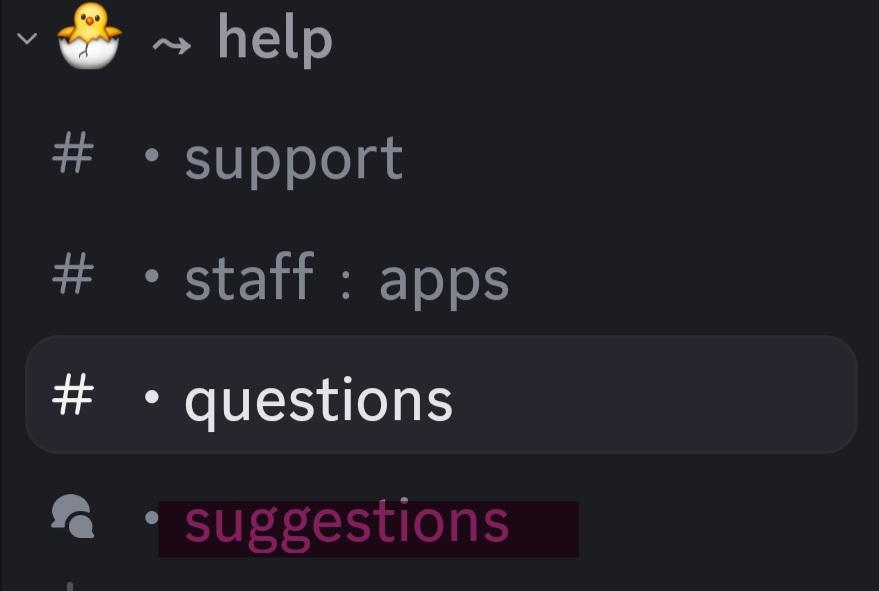
Step 1: Head to the help category and click the suggestions channel
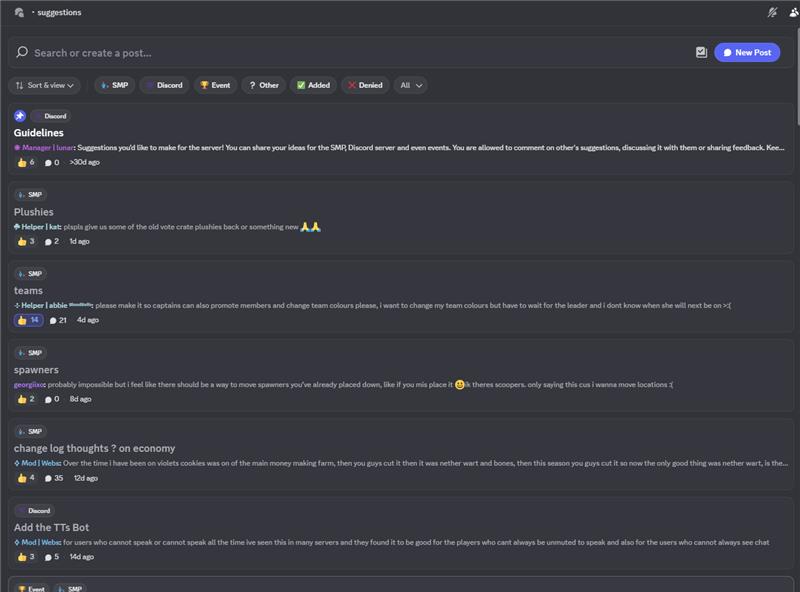
Step 2: Click the new post button in the top right corner to create a suggestion
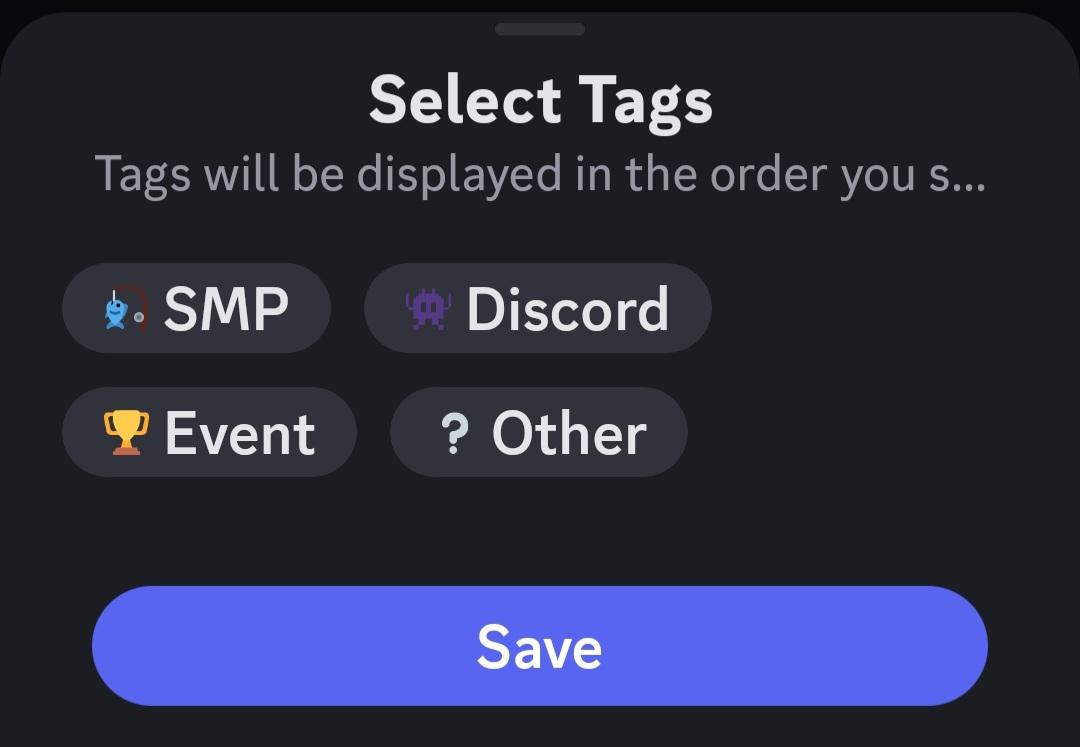
Step 3: Create your suggestion, then click the tags bookmark in the bottom left hand corner to select what type of suggestion category you would like. Then simply click save then post your suggestion!
Step 4: Congrats! You officially made a suggestion! Now all that is left is to wait for it to be accepted or denied by managers! You will know that they've looked it in Suggestions: Results
Violets Only Chat
What is violets only chat?
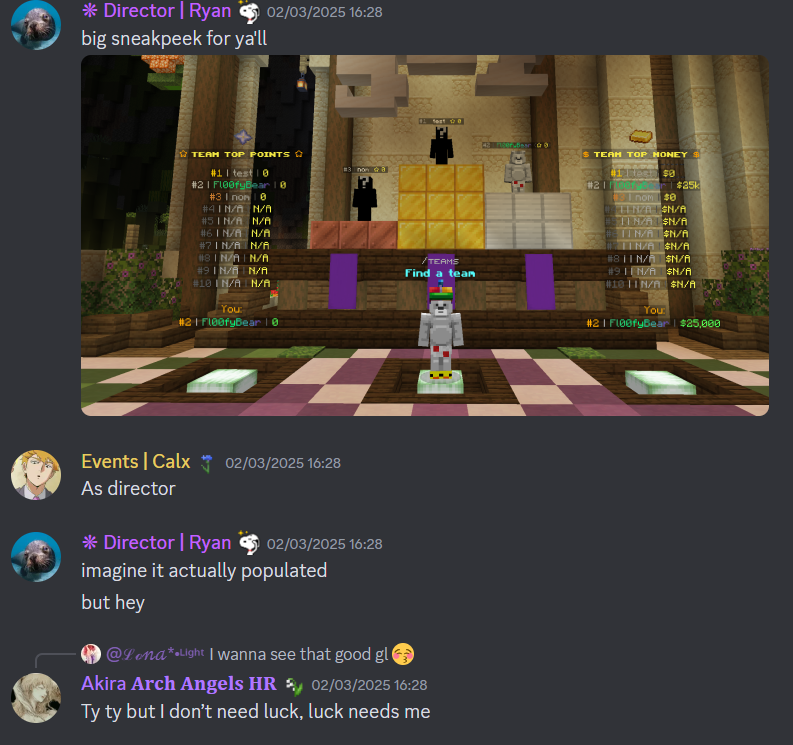
Violets only chat is a special section in our Discord server for our players with the violet rank. In this channel, there may be sneak peeks for upcoming features and giveaways for new releases, but also just general chatting!
In-Game Chat
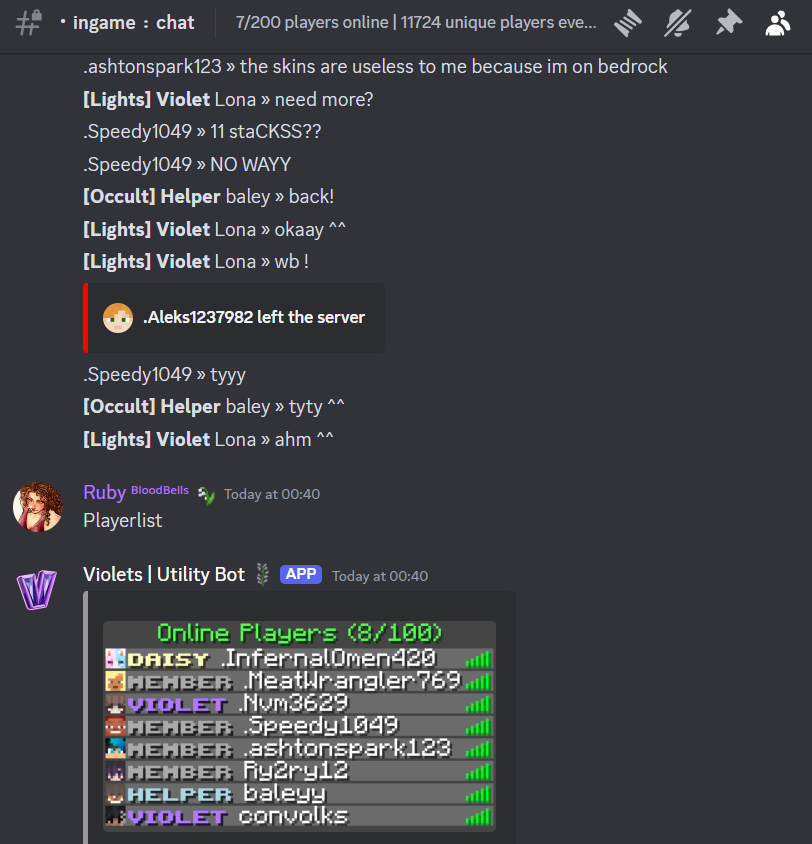
In-game chat is another Violet rank exclusive feature which allows players to read and chat in the Minecraft game chat without even being online.

I have violet rank! How do I access these channels?
To access these channels, you have to link your Discord account to your Minecraft account! To do this, join our minecarft server and run /discord link command, and you will then receive a code. Send this code to our Discord Utility Bot, to link your accounts together. Now you should have access to these channels!